
House-Sitting Checklist Before a Long Trip
This post contains affiliate links. As an Amazon Associate, we earn from qualifying purchases.
The house-sitting checklist before a long trip is the document that answers every question your sitter can’t text you about. It covers shut-off locations, keys and alarm codes, pet routines, appliance quirks, and the exact tasks you want handled. Build it in writing, walk it through once, and leave it findable, and start the one month before a trip prep early.
A week is long enough for a pipe to burst, a breaker to trip, or a furnace to quit. That’s the timeline you’re planning against, not the length of your holiday, and our international travel checklist covers the extra prep. A weekend sit and a week-long sit need the same house-sitting checklist before a long trip, so see our one week before a trip checklist for the final-week tasks.
What follows is the handover I’d actually build: the walkthrough that finds every shut-off, the written sections that replace a phone call, and the three places where the major checklists disagree with each other so you can pick a side instead of guessing.
Key Takeaways
- Label every shut-off physically before you leave. A sitter who has to search for the water valve in the dark loses the 60 seconds that matters.
- Write the pet section separately from the house section. Feeding schedules and vet contacts don’t belong in the same list as bin days and Wi-Fi passwords.
- Declare cameras and recording devices in writing before the assignment starts. Undeclared cameras are the fastest way to blow up a sit.
- Set a check-in frequency and stick to it. “Only in emergencies” is a valid answer; silence is not.
- Leave a two-day cushion if you’re stacking sits or booking a return flight with a tight connection.
The 5-Minute Walkthrough That Finds Everything
Your sitter needs to locate the main water valve, the gas meter shut-off, and the electrical panel in under 60 seconds if a pipe bursts or a breaker trips. That’s the standard Okoniq’s homeowner guide sets, and it’s the right one. Sixty seconds is roughly the time between “I hear water” and “there’s an inch on the floor.”
So don’t explain the locations. Walk them. Stand at the valve, put your hand on it, and have the sitter put their hand on it next. Verbal directions to a shut-off are the single most common failure in a handover, because the sitter nods, remembers the shape of the hallway, and then can’t find the panel when the power’s out.
Utility shut-off locations, alarm codes, and emergency contact numbers must be documented in writing and physically walked through with the sitter before the homeowner departs. Verbal instruction alone leaves the sitter searching during the exact window when a burst pipe or tripped breaker turns from an inconvenience into property damage.
Once the house-sitting checklist before a long trip tour is done, tag the shut-offs. Okoniq’s guide says to label every utility shut-off with a physical tag or printed sign. MindMyHouse’s checklist stops at showing the sitter where the meters, fuse boxes, and cut-off switches are, with no labeling step. I’d follow Okoniq here. A sitter arriving in the dark after a delayed flight isn’t going to remember which grey box in the utility closet is which.
What goes on the water heater card
Attach a laminated card to the water heater with the temperature setting, the breaker number that controls it, and the plumber’s phone number. Okoniq’s example uses 120°F as the standard setting, and that number is worth writing down because it’s the one a sitter might be tempted to change if the showers run cold.
The breaker number matters more than the temperature. If the water heater trips a breaker at 11pm, the sitter’s real question is which switch to check, not what the thermostat says.
Well water and pressure tanks
Homes on well water need one extra line in the packet: explain the pressure tank gauge and what to do if pressure drops below 30 PSI. That’s Okoniq’s threshold, and it’s the kind of number a sitter will never guess. Write the gauge location, the normal reading, and the plumber’s number on the same card.
Where the Major Checklists Disagree (And How to Pick)
The big house-sitting platforms and the independent templates don’t agree on everything, and the disagreements matter more than the overlaps. Here’s where they split, and which side I’d take.
| Question | Position A | Position B | What I’d Do |
|---|---|---|---|
| Label shut-offs physically? | Okoniq: tag every one | MindMyHouse: show, don’t label | Label them. Cheap insurance. |
| Dated maintenance calendar? | Okoniq: specific dates | TrustedHousesitters: no dated list | Write the dates. Vague lists get skipped. |
| Declare cameras? | MindMyHouse: mandatory before start | Rover: indicate locations | Declare in writing, with times. |
| Sitter vehicle use? | MindMyHouse: written liability transfer | Dan & Kathleen: permission toggle | Pick one and sign it. |
The vehicle row is the one people fumble. MindMyHouse’s homeowner checklist treats sitter vehicle use as a liability transfer: familiarize the sitter with the car, add their name to your motor vehicle insurance policy, and have them confirm in writing that they’ll cover costs, damages, and any insurance excess. The Dan & Kathleen home manual template treats the same question as a simple restriction toggle: “Do you have any restrictions regarding their use of the vehicle?”
Both work. They’re just different documents. If your sitter is driving your car, you need the insurance conversation and the written confirmation. If they’re not, the restriction line is enough. Don’t split the difference by leaving it unaddressed.
Common mistake: Handing over keys without a written vehicle answer. The sitter assumes yes, you assumed they’d ask, and the first parking ticket arrives while you’re unreachable.
The Written Sections That Replace Phone Calls
A handover packet is three documents stapled together, not one. The Au Pair Bureau’s guide puts it plainly: pet and house sitting instructions should be separate because pets, access, security, and home care create different responsibilities. That’s the right structure, and it’s why so many generic checklists fail.
Access and security
Access is the first section, and it’s short. GoHouseSitting’s checklist covers the mailbox key and its location, house keys or door code, alarm system instructions, security camera locations, off-limits areas, and any quirks with locks, windows, or doors. TrustedHousesitters adds the question most owners forget: is there a spare set of keys, and does anyone else have one?
That last question is the one that bites. A cleaner with a key who wasn’t told about the sit is a person walking into your house while your sitter is asleep, so see our tips on how to keep valuables safe.
Cameras get their own paragraph. MindMyHouse requires you to declare cameras and recording devices to the sitter before the assignment starts, and their agreement template includes a section where you list device locations and operating times. Rover’s checklist frames the same item as transparency: indicate the location of any security or pet cameras inside or outside the home. Both are asking for the same thing.
Easy to miss: A camera you forgot you owned. Doorbell cams, garage cams, and the pet cam in the laundry room all count. Walk the house and list every lens.
House rules, guests, and off-limits space
Guest policy is a written answer, not a vibe. Rover’s guidance is to document whether you want the sitter to pre-approve guests or stick to a no-visitor policy, and notes that either is fine as long as you’re clear from the start. TrustedHousesitters frames it from the sitter’s side: find out if friends or family are allowed over, and stick to the rules.
Then there’s the overlap nobody plans for. GoHouseSitting’s checklist uniquely asks whether the sitter’s family may visit or stay, and whether cleaners, gardeners, or trades are scheduled during the sit. Those two questions collide. If your gardener comes Tuesdays and your sitter’s sister is visiting that week, you want that resolved before you leave, not in a group chat from an airport.
The Au Pair Bureau’s guide suggests sharing the first version of the handover before you confirm the sitter, then reviewing it together before you leave. That’s the sequencing I’d steal. A packet written the night before departure is a packet full of gaps.
Pets Get Their Own Document
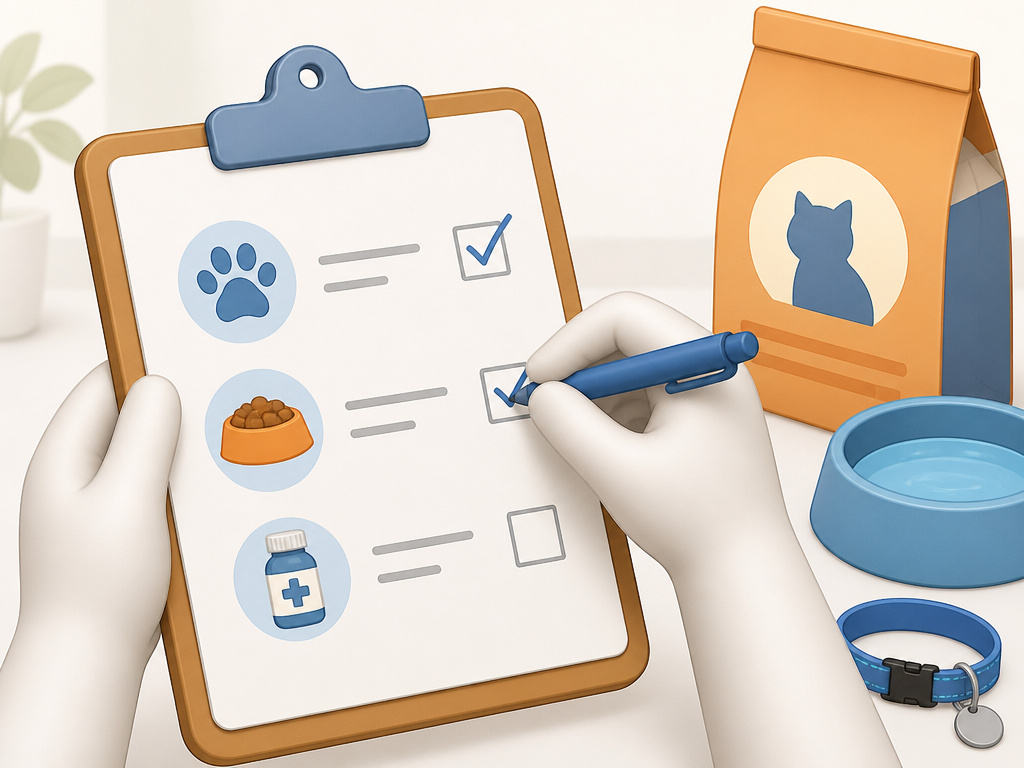
Pet care and house care are different jobs, and bundling them produces a document nobody reads past page two. Write the pet section first, because it’s the one with the least room for improvisation.
The Au Pair Bureau’s structure is the cleanest I’ve seen: list feeding times, food amounts, treats, walk routes, and litter or garden routines in one block. Then medication, vet details, insurance notes, behaviour triggers, and emergency contacts in another. Then the line that makes the whole section work: explain what is normal for each pet and what should trigger a message or vet call.
That last instruction is the one owners skip, and it’s the one that prevents the 3am panic call. A sitter who doesn’t know what is normal for your cat will call you about the first thing that seems off. A sitter who does will note it and move on.
GoHouseSitting’s pet block covers the same ground with more granularity: pet names, breeds, and temperaments; feeding schedule and food location; whether the water bowls take tap or filtered water; litter tray setup; sleeping arrangements; grooming instructions; walk schedule; indoor/outdoor rules; medications; vet and emergency vet contacts. It also asks the question every owner should answer in writing: how long can the pet be left for?
TrustedHousesitters raises the reimbursement question from the sitter’s side, and it’s worth answering in the packet: find out if the hosts will leave a small fund for vet bills, food, or pet essentials, and if not, how the sitter will be reimbursed. MindMyHouse’s checklist takes the opposite posture for vehicle costs, requiring the sitter to confirm in writing that they’ll cover damages and excess fees. Different expenses, different liability. Write down which is which.
The Dated Maintenance Calendar
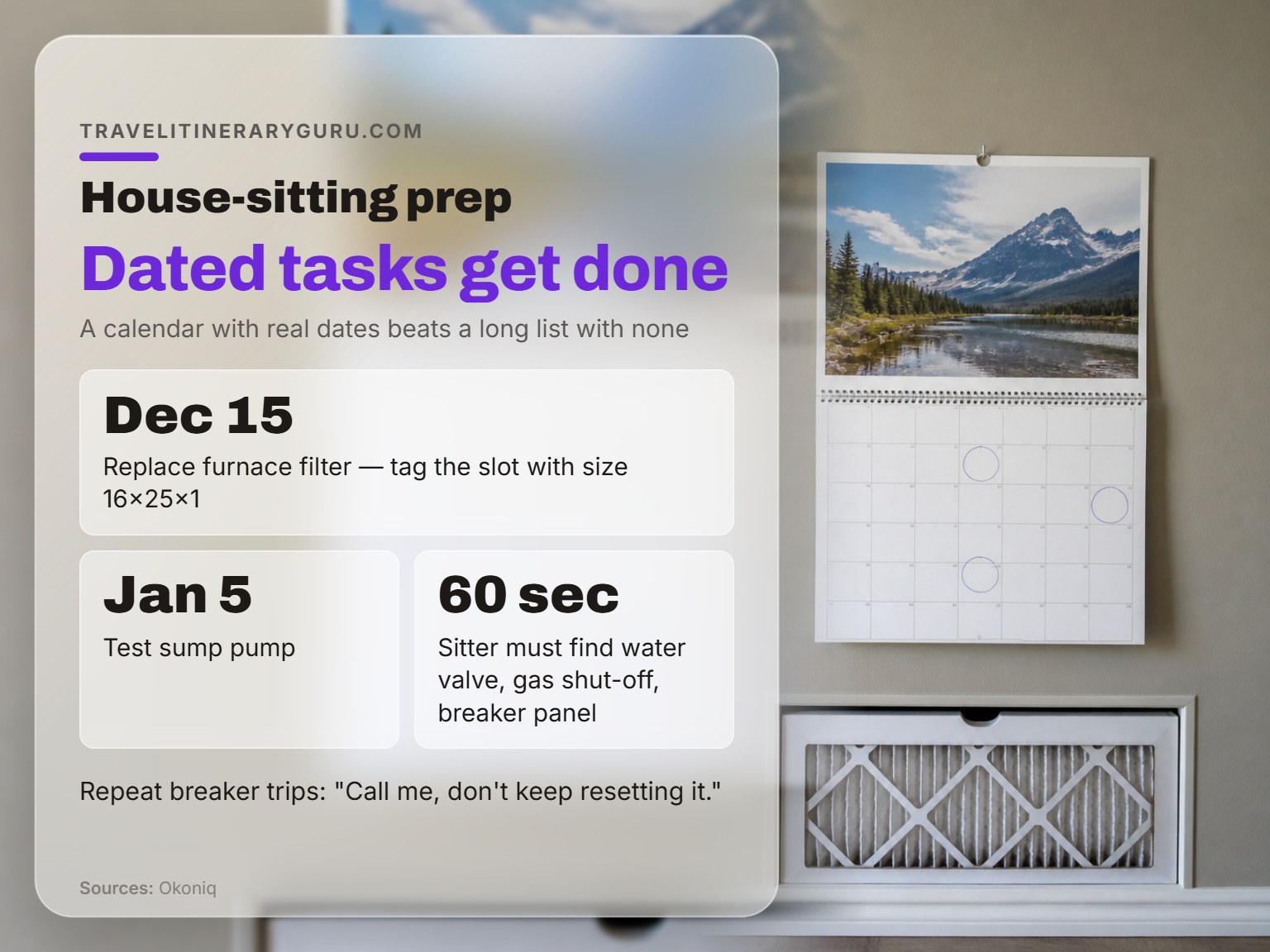
A generic task list gets skipped. A dated one gets done. That’s the core argument in Okoniq’s guide, and it’s the single most useful thing in the whole research pile.
The format is a calendar with specific dates attached to specific tasks: “December 15: replace furnace filter,” “January 5: test sump pump.” Tag the furnace filter slot with the size, so the sitter isn’t guessing at the hardware store. Okoniq’s example uses 16×25×1, and that’s the level of specificity a filter slot tag needs.
TrustedHousesitters doesn’t recommend a dated maintenance calendar at all. Their checklist asks about odd habits and extra house information, which is a softer version of the same idea. I’d take Okoniq’s version. A sitter with a dated list knows exactly what’s expected; a sitter with a vague list either overdoes it or does nothing.
The related question is what the sitter shouldn’t touch. Okoniq’s skip list is the clearest guidance in the sources: no repairs involving a ladder over six feet, nothing that requires shutting off gas or electricity, and no appliance disassembly beyond removing lint from the dryer vent screen. And the rule for repeat breaker trips is worth quoting directly: “Call me, don’t keep resetting it.”
That’s the framing to steal for the whole packet. A sitter isn’t your maintenance crew. They’re your early-warning system.
Worth knowing before you start: A dated calendar with real tasks beats a long list with no dates. The sitter will do the dated ones.
Communication, Mail, and the Two-Day Cushion
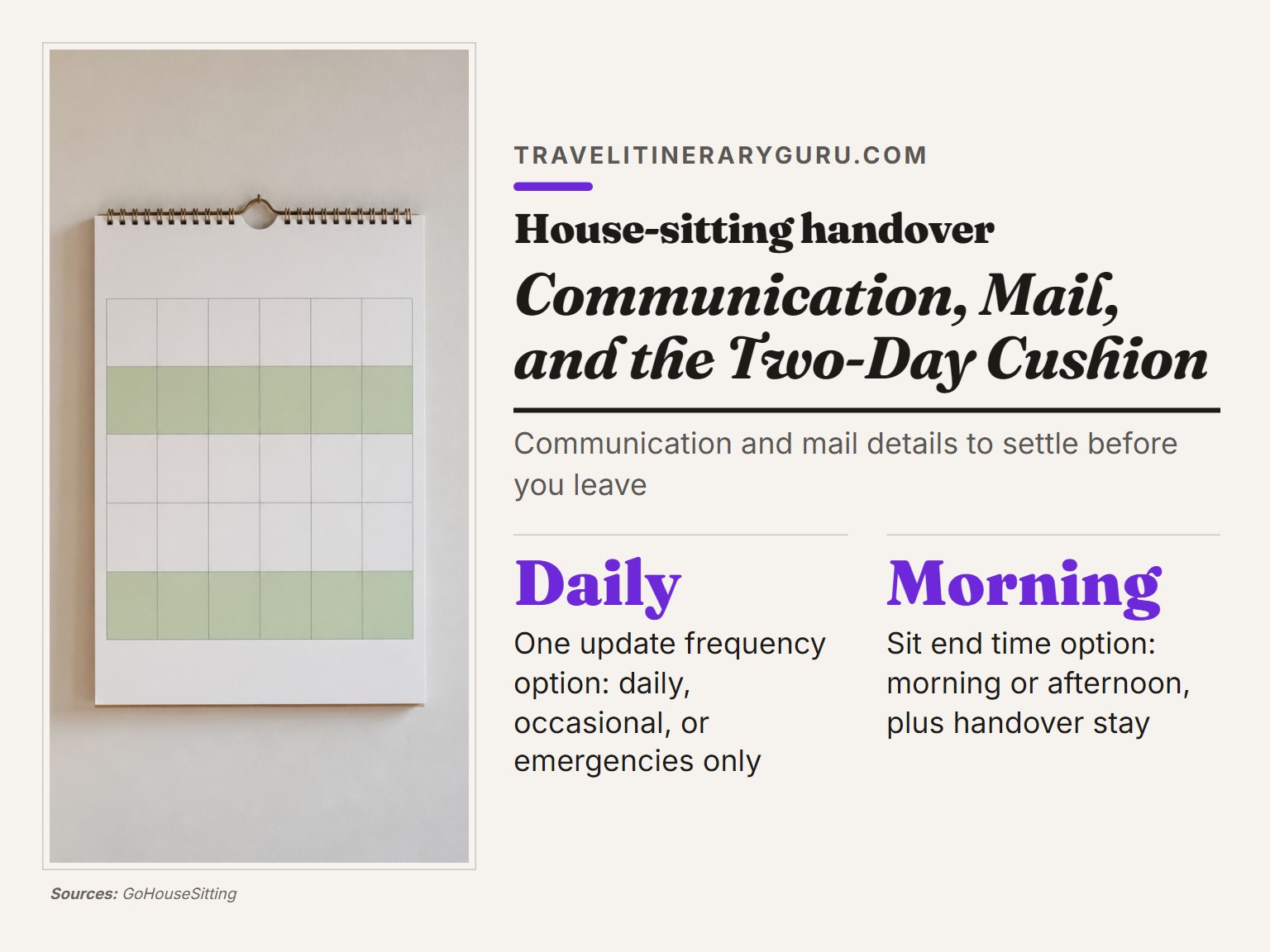
Frequency and channel are separate decisions. GoHouseSitting’s checklist asks for both: the preferred method of contact (WhatsApp, text, email, Messenger) and the frequency of updates wanted, whether that’s daily, occasional, or only in emergencies. Write both down.
Mail handling belongs in the same section. GoHouseSitting’s options are bring inside, send photos, or forward. TrustedHousesitters adds the delivery question from the sitter’s side: are there expected visitors, cleaners, gardeners, or deliveries during the sit? If you’ve ordered something that arrives mid-trip, the sitter needs to know whether to accept it.
The end date needs an answer too. GoHouseSitting’s checklist asks whether the sit ends in the morning or afternoon, and whether the sitter should stay until you arrive for handover. TrustedHousesitters raises the delay scenario: many sitters leave a two-day cushion between sits to allow for travel delays.
That cushion is the fix for the most common end-of-sit problem. If your return flight slips, a sitter with no cushion is either stranded or leaving your pets alone. If you’re stacking sits or booking a tight connection, build the buffer in before you confirm dates.
Frequently Asked Questions
How far in advance should I start the house-sitting checklist?
Share the first draft with your sitter before you confirm them. The Au Pair Bureau’s handover guide recommends sharing the first version before confirming the sitter, then reviewing it together before you leave. That gives you time to fill gaps instead of discovering them at the door.
Do I really need to label the shut-offs if I walk the sitter through them?
Yes, and the walkthrough doesn’t replace the label. Okoniq’s guidance is to tag every utility shut-off with a physical tag or printed sign. A sitter who arrives after a delayed flight, in the dark, with a crying dog, isn’t going to reconstruct your tour from memory.
What maintenance should I ask the sitter to skip?
Set the skip list in writing. Okoniq’s version is the clearest: no repairs on ladders over six feet, nothing that requires shutting off gas or electricity, and no appliance disassembly beyond clearing the dryer vent screen. Add the repeat-breaker rule too: if a breaker trips more than once on the same circuit, the sitter calls you instead of resetting it.
Should the pet instructions be a separate document?
Yes. The Au Pair Bureau’s guide makes the case directly: pets, access, security, and home care create different responsibilities, so separate sections make the handover easier to follow. In practice, that means one section for feeding, walks, and meds, and a different one for bins, Wi-Fi, and appliance quirks.
How often should the sitter check in?
Pick a frequency and write it down. GoHouseSitting’s checklist offers three options: daily, occasional, or only in emergencies. Any of the three works as long as both sides agreed to it before you left. The failure mode isn’t too many updates or too few. It’s an unstated expectation.
Before You Go
The document is the easy part. The hard part is the walkthrough, because it’s the one thing you can’t do from the airport.
One rule most guides skip: if you can’t hand the packet to a friend and have them find your water valve in under a minute, the packet isn’t finished. That’s the test. Not “is it thorough” but “does it work under pressure.”
Before departure, add a second pass to re-check the dated calendar, confirm the sitter still has the alarm code, and re-read the camera list. Re-check the dated calendar, confirm the sitter still has the alarm code, and re-read the camera list. Three days out is when you’ll catch the thing you forgot.
And if you’re stacking sits back to back, build the two-day cushion in before you book the return flight. The sitter who’s supposed to arrive the day you land is the sitter who gets stranded when your connection slips. That’s the part nobody puts in the caption.
